


POS Terminal
Take Card Payments and Earn on Every One
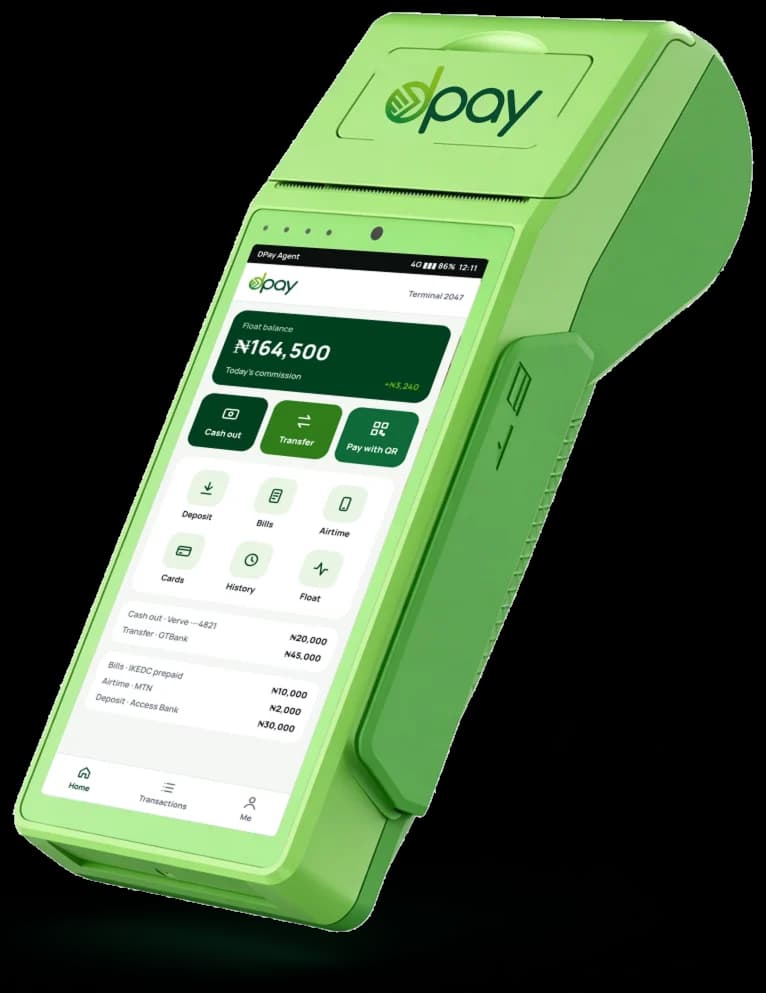
Request a POS terminal, link it to your agent account and take card payments.


 How It Works
Get a Terminal in Three Steps

 Agents
More Ways for Customers to Pay You
Cards, QR and cash, all recorded in one agent history.
POS Terminal
Request a DPay POS terminal from the DPay Agent app and link it to your agent account. Customers can then pay by card at your counter, card payments land in your float wallet, and you earn a commission on POS transactions, shown in your history.
Why DPayWhy Add a Terminal
- 01
More Customers
Serve people who prefer to pay by card.
- 02
Commission
Earn on POS transactions, shown in your history.
- 03
One Float
Card money lands in your float wallet.
 Staying Safe
Safe Card Payments
Protection you control from the app.


 FAQ
Agent POS Terminals FAQ
Getting and using a terminal as an agent.
Open DPay Agent and request a POS terminal. You can follow the request and cancel it until it is approved.
Into your float wallet, ready to serve customers or withdraw.
Each POS transaction in your history shows what you earned on it.
Yes, until it is approved.
Verve, Visa and Mastercard debit and credit cards.
Yes. The DPay agent portal on the web shows your terminals, your requests and their payments.
Keep ExploringRelated on DPay
Card Hand-over
Be the place customers collect their physical DPay cards.
Commission
Earn on every cash-out and POS transaction you serve.
Become an Agent
Earn by serving your neighbourhood as a DPay agent.
Get the App


DPay is coming to Android and iPhone. Leave your e-mail in the footer and we will tell you when it is ready.
Already a DPay agent? Sign in to the agent portal
Not a DPay agent yet? Become a DPay agent