

Accept QR Payments
Let Customers Pay Your Business by Scanning a QR Code
Take payments at your counter with your business's own DPay QR code.


 Business
Faster Checkout at the Counter
No change to find and no card machine needed for DPay customers.
Accept QR Payments
DPay Merchant gives your business its own QR code. Print it at the counter or show it on your phone. Customers scan it with the DPay app and pay in seconds, the money settles into your DPay merchant wallet, and every sale appears in your sales history.
Ways to Get PaidEvery Way Your Customers Can Pay
All of them settle into one merchant wallet.
Scan and Pay
Customers scan your DPay QR code and pay in seconds, with no fee on either side.
- Free
- Instant
 How It Works
Start Accepting Payments in Three Steps



 Staying Safe
Protect Your Business

Confirm in the App
Release goods only when the payment shows in DPay Merchant.
Keep Your QR Code Yours
Check your printed QR code is the one in your app.
Ignore Fake Receipts
A screenshot or text message is not proof. Check DPay Merchant before the customer leaves.
FAQAccepting QR Payments FAQ
What businesses ask before they start.
Receiving a QR payment from a DPay customer is free for you and for your customer.
It shows in DPay Merchant straight away, with the customer's name and the amount, before they leave the counter.
Yes. Refund a payment from DPay Merchant and the money goes back to the customer.
Yes. Order a DPay POS terminal from DPay Merchant to accept card payments at your counter.
Register on DPay Merchant, verify who you are and add your business details. The app shows exactly what is needed as you go, and your QR code is ready once your account is set up.
No. Your QR code is all you need for customers who pay with DPay. Add a POS terminal if you also want to take card payments.
QR payments land in your merchant wallet straight away. Withdraw to your bank account whenever you like.
Yes. Sign in to your business account on the web to see payments, create payment links, manage POS terminals and withdraw to your bank.
Keep ExploringRelated on DPay
Payment Links
Share a link on WhatsApp or Instagram and get paid into your merchant wallet.
Online Checkout
Let customers pay on your website with their DPay wallet.
POS Terminal
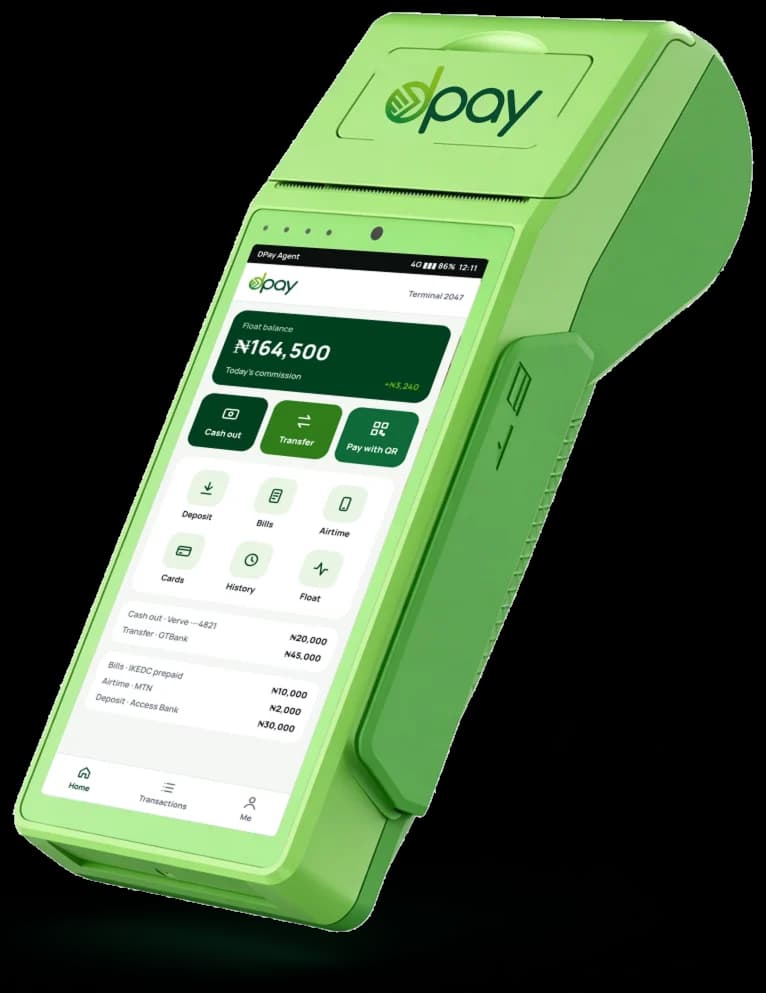
Order a DPay POS terminal and take card payments at your counter.
Get the App


DPay is coming to Android and iPhone. Leave your e-mail in the footer and we will tell you when it is ready.
Already selling with DPay? Sign in to your business account
New to DPay Business? Open a business account