

Bank Transfer
Send Money to Any Nigerian Bank Account
Send money from your wallet to any bank account in Nigeria.


 How It Works
Send to a Bank in Three Steps
 Personal
From Your Wallet to Any Bank
The account name shows before you pay, so you always know who receives the money.
Bank Transfer
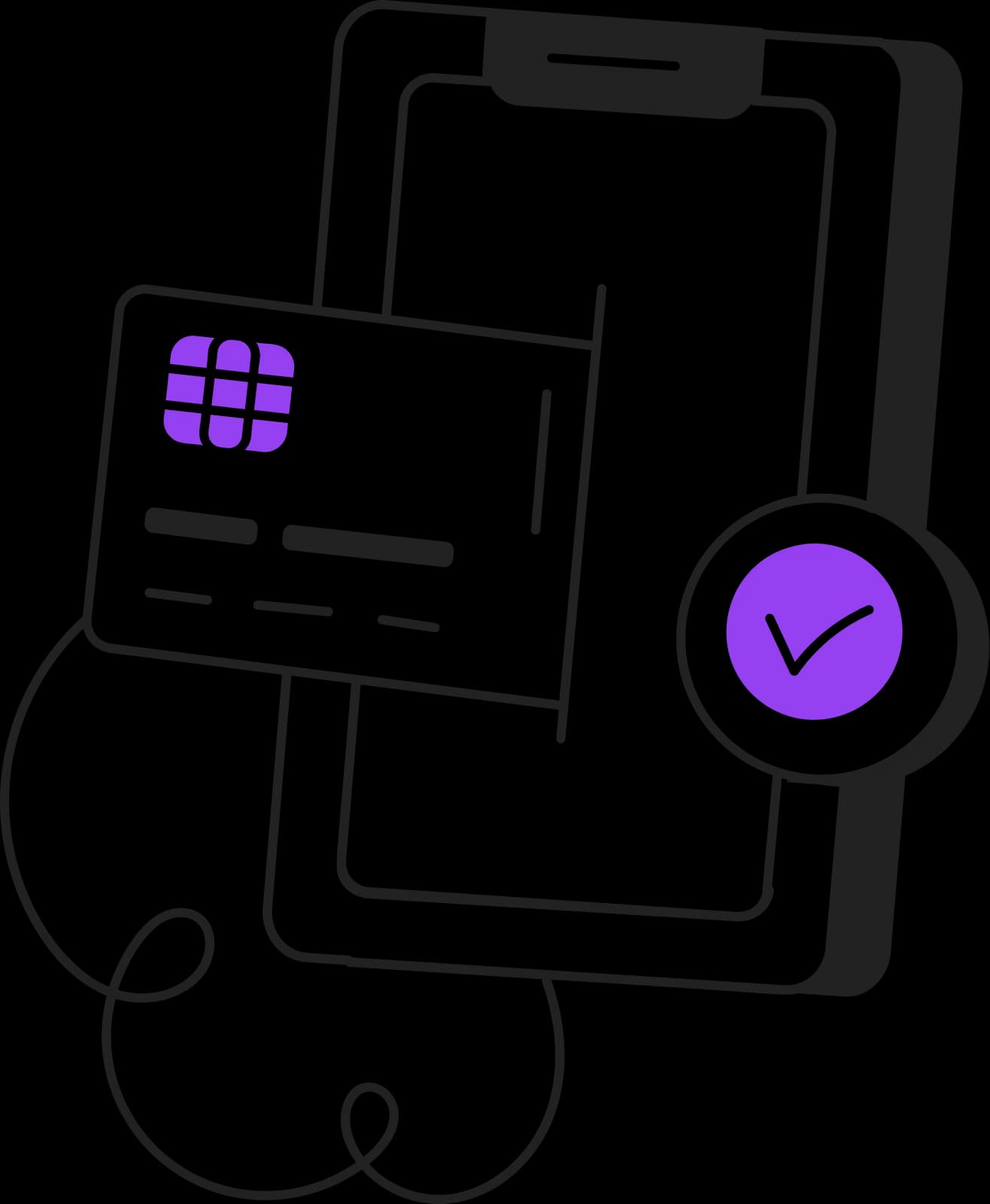
Move money from your DPay wallet to any bank account in Nigeria, whether it is your own or someone else's. Pick the bank, enter the account number and the app confirms the account name before you send. Any fee and the total show before you confirm, you can follow the transfer in your history, and if the receiving bank rejects it, the money comes back to your wallet. Save accounts you use often for next time.
Why DPayBank Transfers Without the Stress
- 01
Any Nigerian Bank
Send to banks and account providers across Nigeria.
- 02
Name Check First
See the account name before any money moves.
- 03
Saved Accounts
Keep accounts you pay often for next time.
- 04
Fee Shown First
Any fee and the total are on the confirmation screen before you send.
- 05
Clear Status
Follow each transfer from pending to completed in your history.
- 06
Money Back if It Fails
If the receiving bank rejects a transfer, the money returns to your wallet.
Staying SafeBefore You Send

Confirm the Account Name
A wrong account number can send money to a stranger. The name on screen is your check.
Report Problems Quickly
If a transfer does not arrive, open it in the app and tap Report a problem.
Do Not Send Twice
If a transfer shows as pending, wait for it. Sending again can mean paying twice.
FAQBank Transfers FAQ
What to know before you move money to a bank account.
Banks and other account providers in Nigeria. Type the 10-digit account number and the app suggests the bank and shows the account name; tap to confirm, or choose another bank from the list.
Your account level sets it: up to ₦50,000 per transaction and ₦50,000 a day on Tier 1, ₦100,000 per transaction and ₦200,000 a day on Tier 2, and ₦1,000,000 per transaction and ₦5,000,000 a day on Tier 3. Verify your BVN or NIN to raise your limits.
Any fee is shown on the confirmation screen before you send, so you always know the total.
Open the transaction in the app and tap Report a problem. Our support team will follow it up with you.
The transfer shows in your history with its status, and you get a notification when it completes.
Most transfers reach the other bank within moments. Sometimes a bank is slow to reply. The transfer then shows as pending while we keep checking, and we notify you when it completes.
If the receiving bank tells us the transfer failed or was reversed, the money goes back into your DPay wallet and the transfer shows as failed in your history. A slow reply is never treated as a failure, so a pending transfer is still being checked.
Once the receiving bank accepts a transfer it cannot be cancelled, which is why the account name shows before you confirm. If it happens, open the transfer straight away, tap Report a problem and our team will follow it up with you.
Yes. Save an account after you send to it, then pick it from your saved list next time.
Keep ExploringRelated on DPay
Fund Your Wallet
Top up by bank transfer to your DPay account number, or with cash at a DPay agent.
Pay a Merchant
Scan a shop's DPay QR code and pay in seconds, with no fee to you.
Request Money
Ask another DPay user for money and get paid when they approve.
Get the App


DPay is coming to Android and iPhone. Leave your e-mail in the footer and we will tell you when it is ready.
Prefer your browser? Open an account on the web