

Pay a Merchant
Pay at Shops by Scanning Their DPay QR Code
Scan a shop's DPay QR code and pay in seconds, with no fee to you.


 Personal
No Cash, No Change, No Waiting
The merchant sees your payment straight away, and the receipt sits in your history.
Pay a Merchant
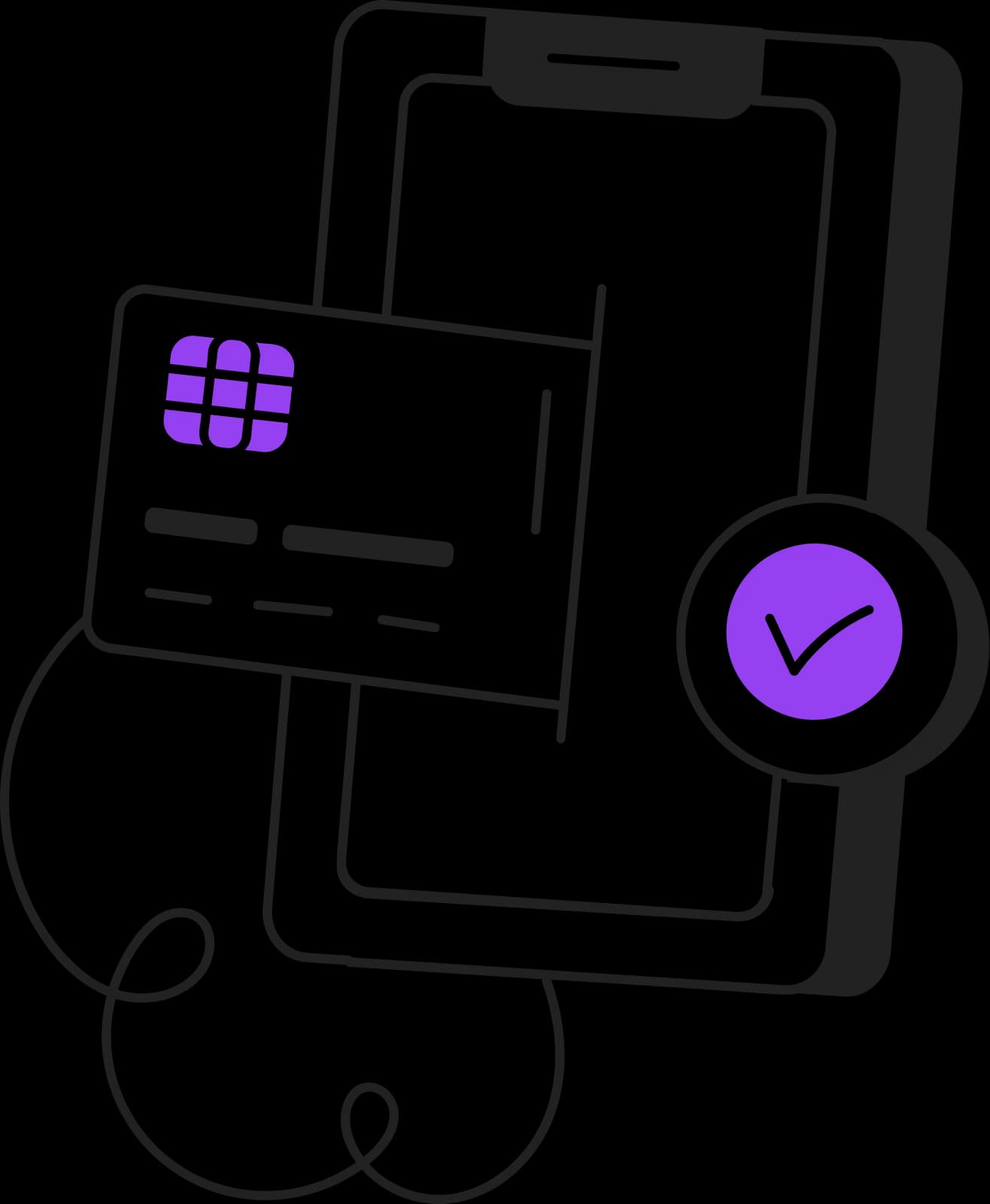
Shops, market stalls and service businesses on DPay display a QR code. Scan it with the DPay app, enter the amount and confirm with your PIN. The business is paid instantly and you both get a record of the payment. Paying a merchant costs you nothing.
How It WorksPay a Merchant in Three Steps

 Staying Safe
Pay the Right Business

Check the Name
The business name shows after you scan. Pay only if it matches the shop.
Show the Confirmation
The shop sees your payment straight away. Show your receipt if they ask.
Type the Amount Yourself
Enter the amount on your own phone and check it before you confirm with your PIN.
FAQPaying Merchants FAQ
How to pay businesses with DPay.
The business name shows on screen after you scan, before you confirm the payment.
No. Payments to merchants are free for you. You can pay from ₦50 at a time, up to your account level's limit: ₦50,000 per transaction on Tier 1, ₦100,000 on Tier 2 and ₦1,000,000 on Tier 3.
Yes. Businesses that use DPay checkout or payment links let you pay from your DPay wallet online too.
Show the receipt in your history. If there is still a problem, open the payment and tap Report a problem.
If you hold crypto in DPay, it can cover the rest of the payment. The app shows exactly how your balances will cover the amount before you confirm.
Ask the business to refund you. Merchants can refund a payment from DPay Merchant, and the money comes back to your wallet.
Wipe your camera lens, make sure there is enough light and hold your phone steady. If it still will not scan, ask the business for another way to pay, such as a payment link.
Keep ExploringRelated on DPay
Request Money
Ask another DPay user for money and get paid when they approve.
Payment Links
Create a link, share it anywhere and collect payments into your wallet.
Pay Bills
Pay electricity and cable TV from your wallet, with no DPay fee.
Get the App
DPay is coming to Android and iPhone. Leave your e-mail in the footer and we will tell you when it is ready.
Prefer your browser? Open an account on the web