

Request Money
Ask for Money Without the Awkward Reminders
Ask another DPay user for money and get paid when they approve.


 How It Works
Request Money in Three Steps

 Request Status
Always Know Where a Request Stands
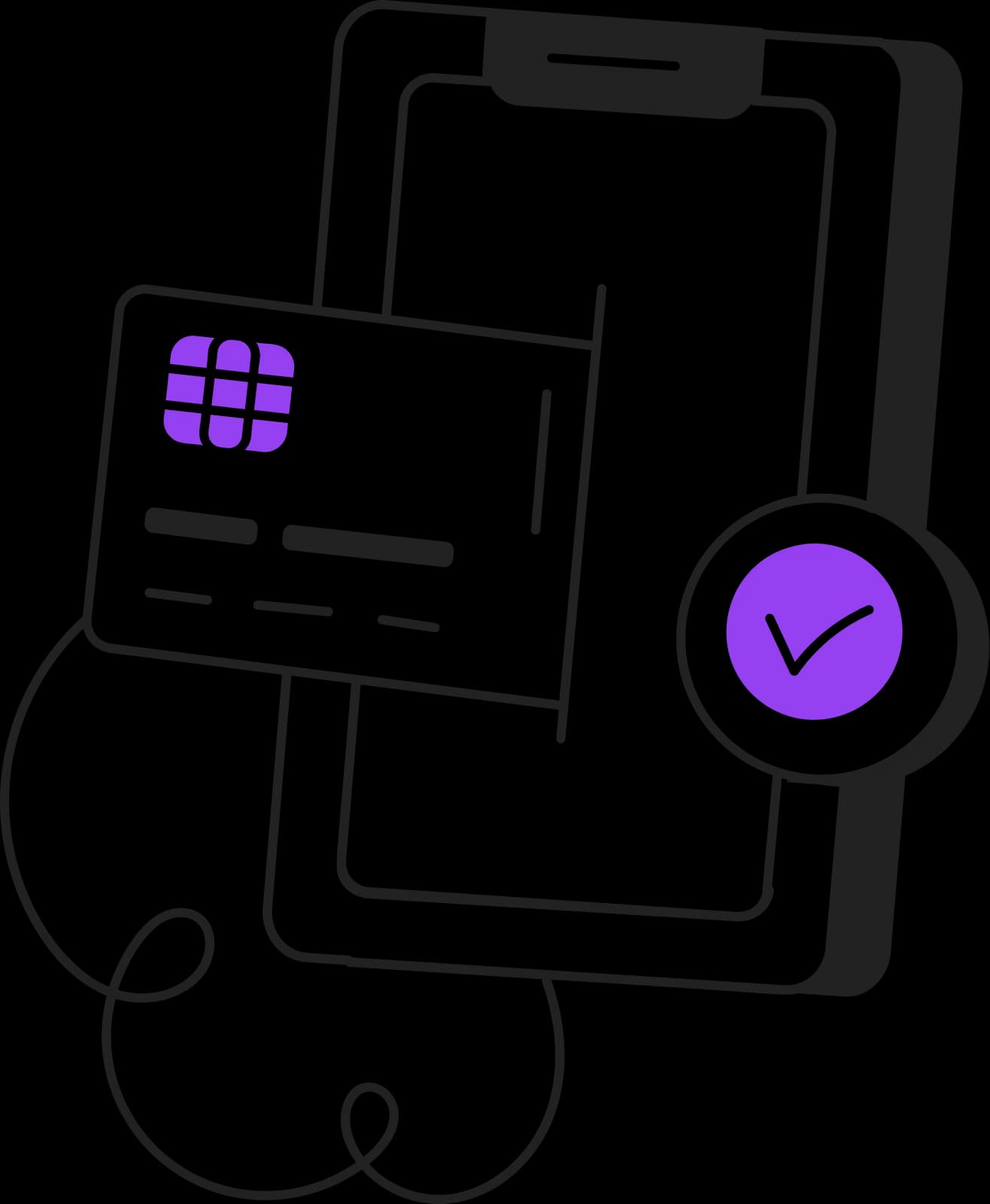
Every request shows one of four states in the app.
- 01
Open
Waiting for the other person to approve or decline.
- 02
Paid
Approved with their PIN. The money is in your wallet.
- 03
Declined
They said no. No money moved.
- 04
Expired
Not answered within seven days, so it closed.
Why DPayAsk Without the Awkwardness
- 01
Clear Notes
Every request says what it is for.
- 02
Track Every Request
See which requests are open, paid, declined or expired.
- 03
Expires Automatically
Unpaid requests close after seven days.
Staying SafeRequests Done Right

Only Pay What You Recognise
Decline any request you do not expect, even if the note sounds urgent.
Your PIN Protects You
Nothing leaves your wallet until you approve with your PIN.
Check Who Is Asking
Every request shows the sender's name and note. If you do not know them, decline.
FAQMoney Requests FAQ
How requests work for both sides.
Any DPay user. Find them by phone number or email in the app.
Seven days. After that it expires, and you can send a new one if you still need to.
Yes. Cancel it from your list of requests any time before it is paid.
The request shows as declined and no money moves. You can send a new request if you need to.
No. Sending a request is free, and paying one is a normal transfer between DPay wallets, which is free too.
Requests go to DPay users. For anyone else, share a payment link they can pay through, or give them your DPay account number for a bank transfer.
Decline it. Nothing leaves your wallet unless you approve a request with your PIN.
Keep ExploringRelated on DPay
Payment Links
Create a link, share it anywhere and collect payments into your wallet.
Pay Bills
Pay electricity and cable TV from your wallet, with no DPay fee.
Airtime & Data
Buy airtime and data for any number on a supported Nigerian network.
Get the App


DPay is coming to Android and iPhone. Leave your e-mail in the footer and we will tell you when it is ready.
Prefer your browser? Open an account on the web